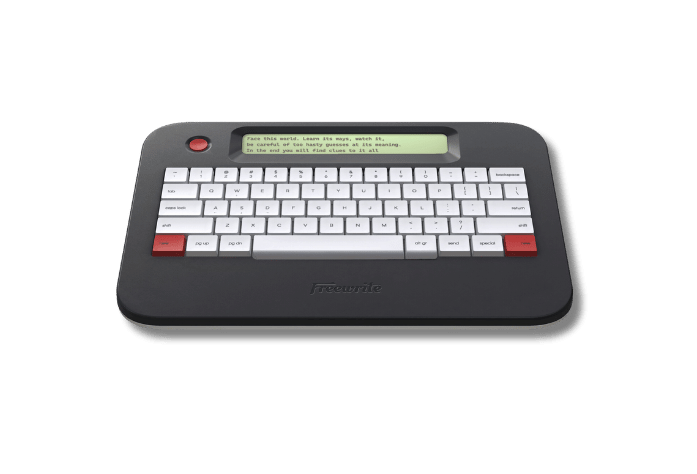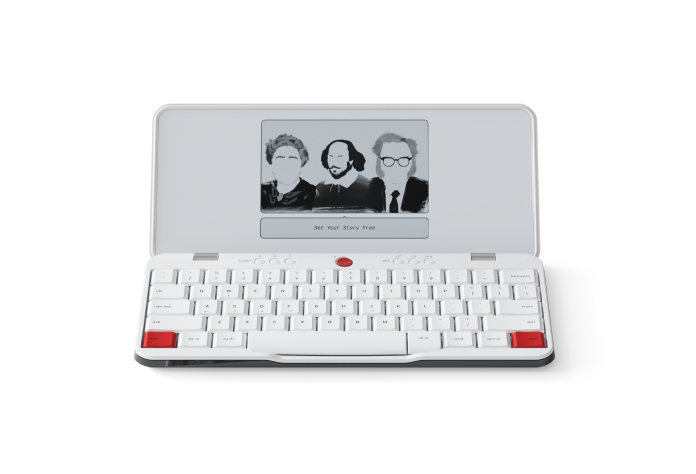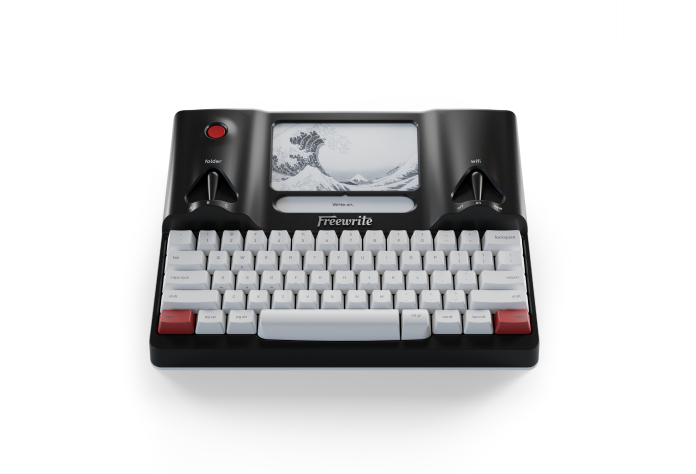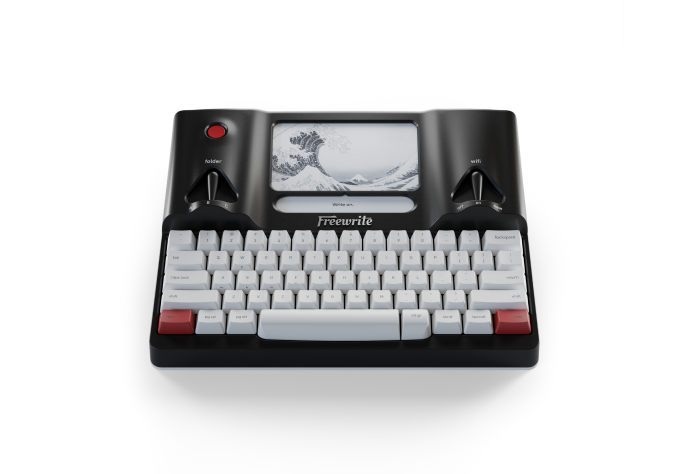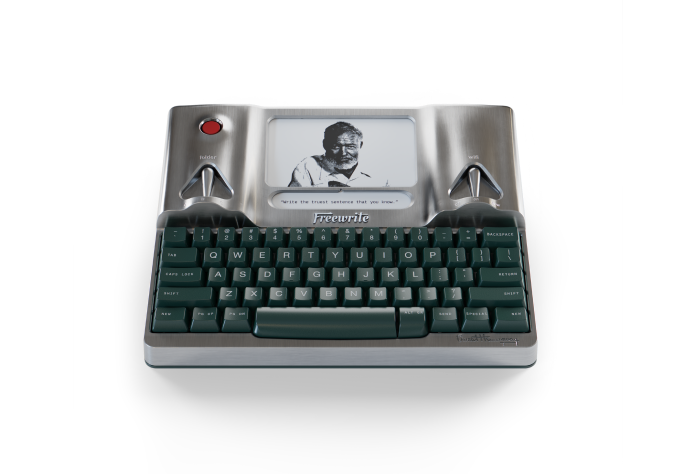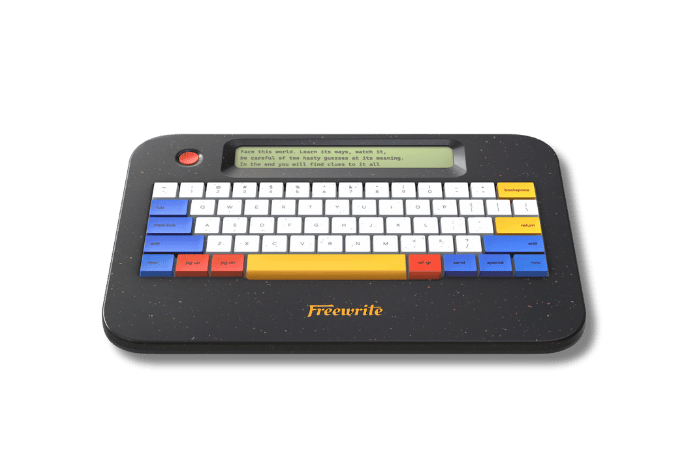
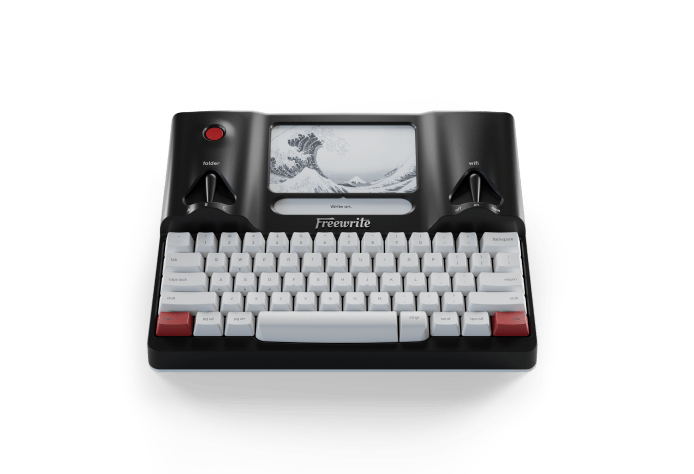
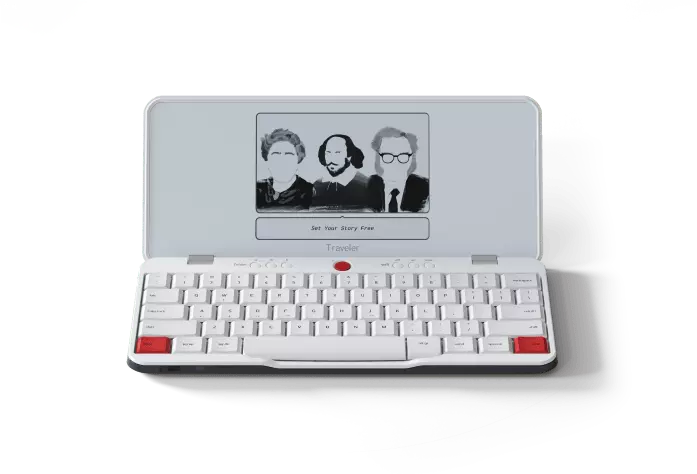
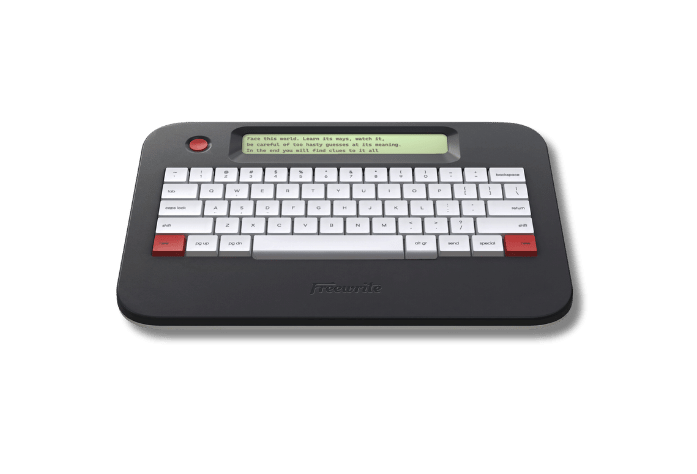
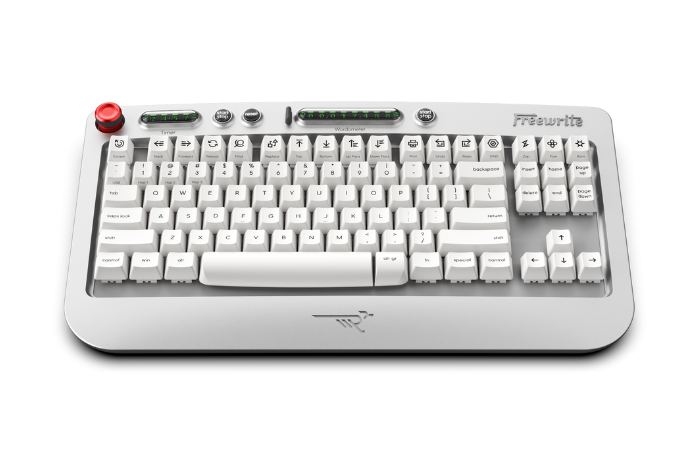
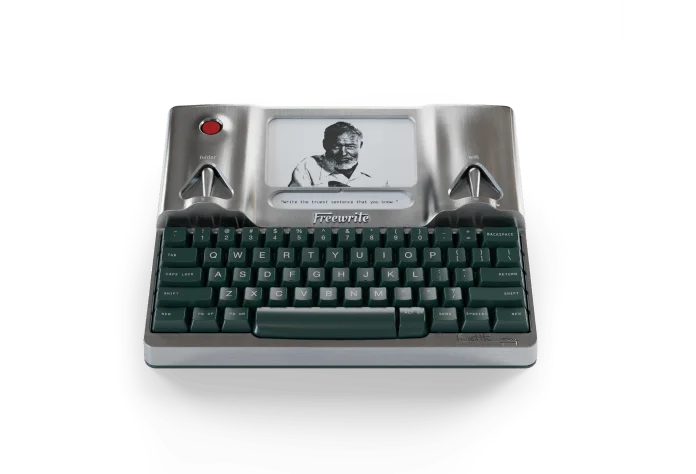
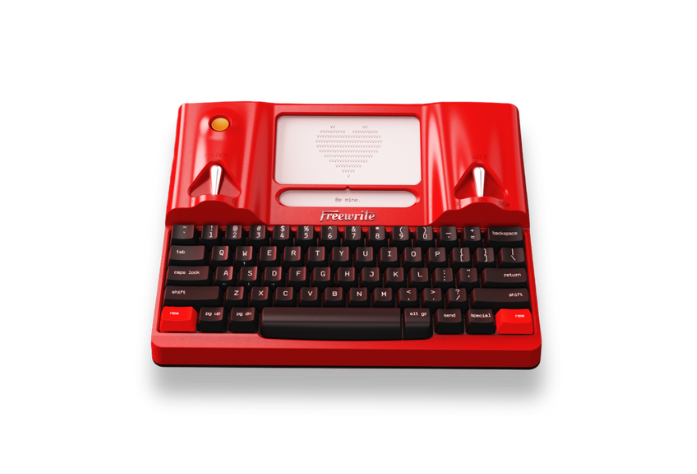
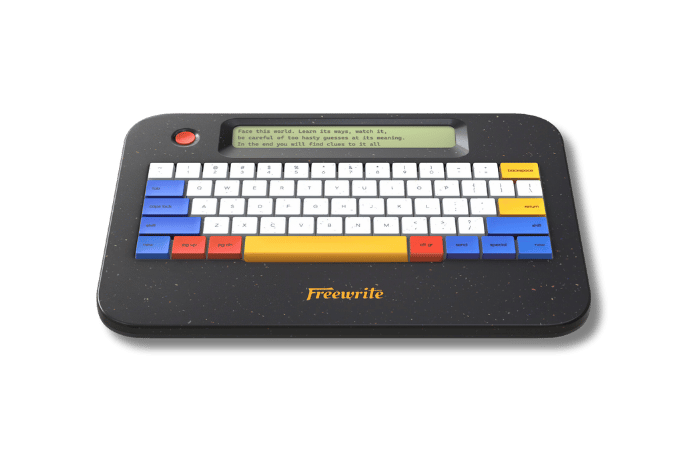
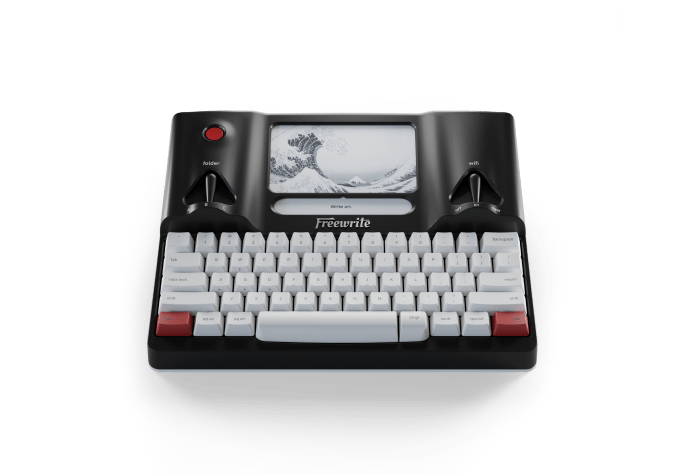
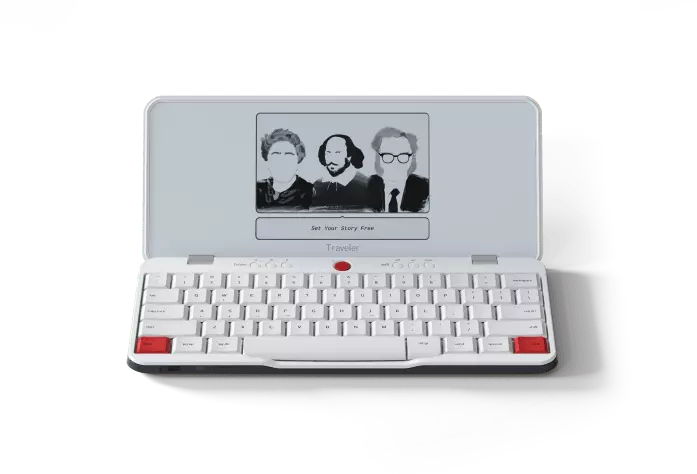
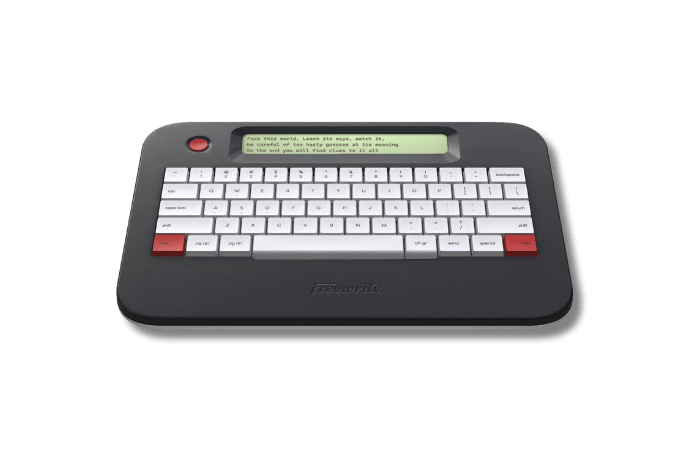
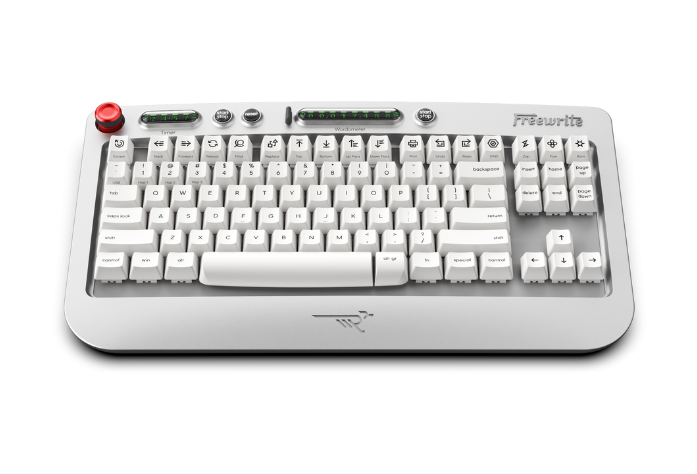
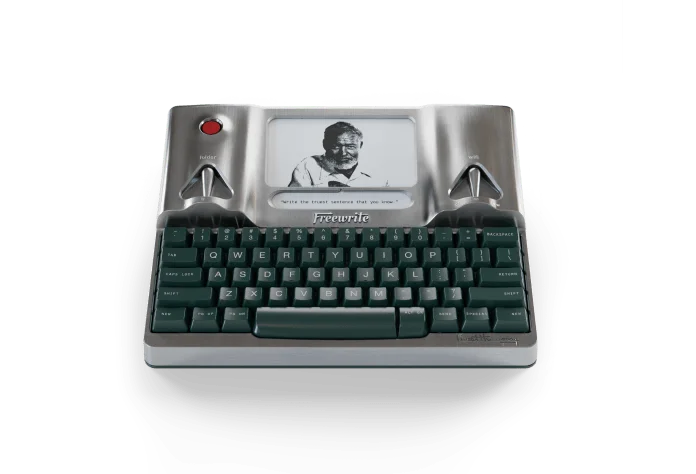
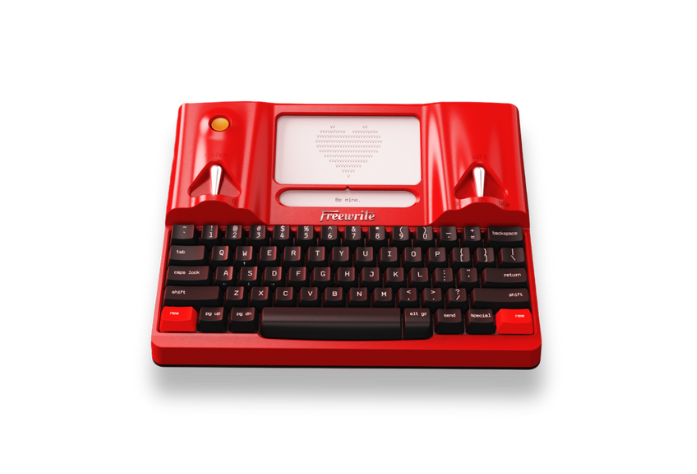
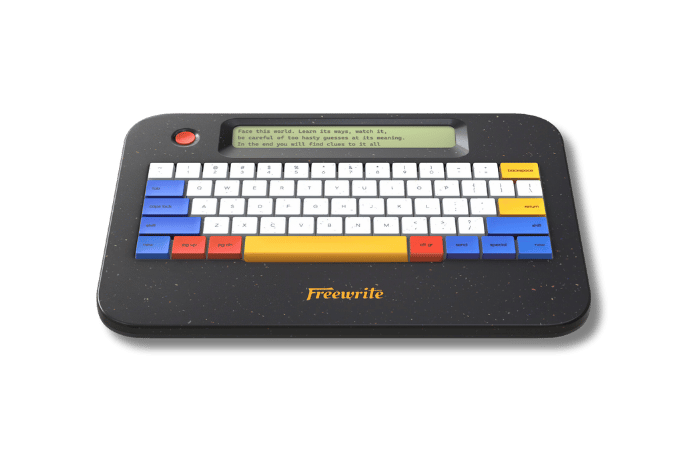
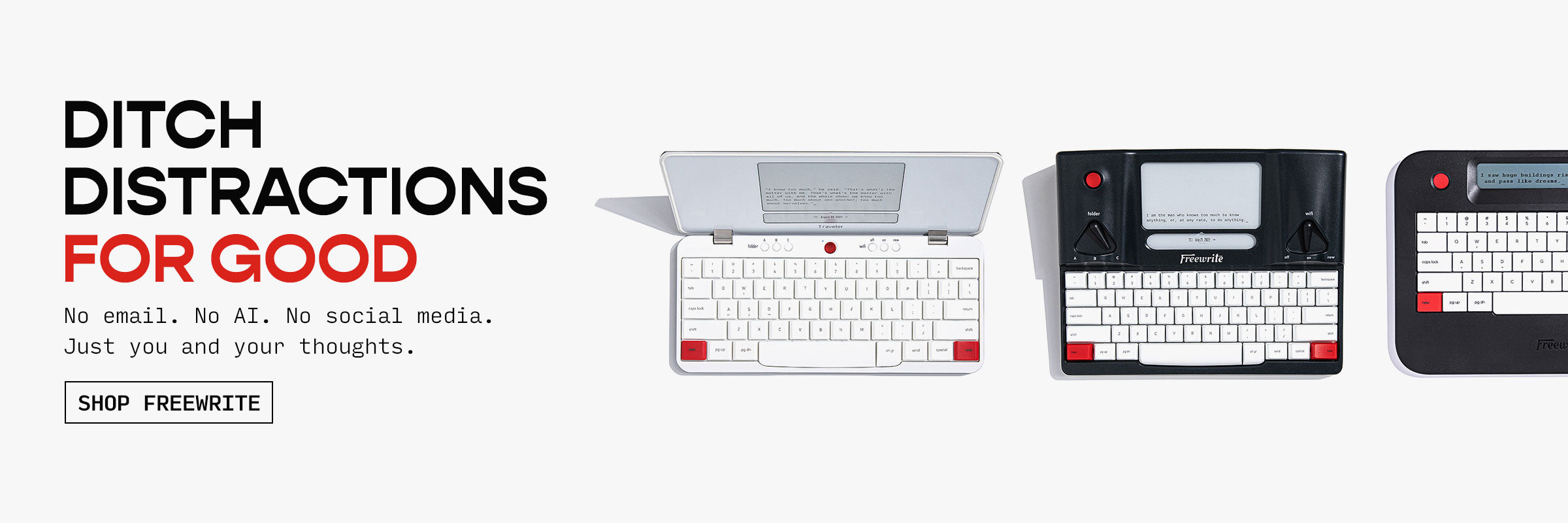

The Flow State has been elevated to near-mythic status among writers because every writer knows the joys of a great writing session and the doldrums of a bad one. But the flow state isn't magic. It's what can happen when your tools get out of the way. Distraction-free hardware like Freewrite helps strip away everything competing for your attention, giving you a single-purpose solution designed for one thing: getting words on the page.
But the screenplay format is exacting and regimented. It can intimidate new writers and old pros alike because at some point all of your wonderful ideas need to be transformed into sluglines and action lines and dialogue.
Enter Highland Pro: a screenwriting tool built by writers, for writers, that offers a clean, distraction-free platform that interfaces seamlessly with Freewrite to transform your writing into professionally formatted screenplays.
That's why Highland Pro and Freewrite have partnered for a special distraction-free screenwriting bundle.

The Big Screen Bundle
5% off a Freewrite Alpha, Traveler, or Smart Typewriter
+
33% off a year's subscription to Highland Pro with 1-month free trial.
Use code SCREENPLAY26 at checkout on the Freewrite website to get your discount, and you'll receive an email with your link to download Highland Pro.
But how does any of this actually work? Let's dive in.
The Freewrite & Highland Pro Workflow
Freewrite supports the use of Fountain, a simple markup syntax for writing screenplays in plain text that makes screenwriting as simple and straightforward as writing an email. If you're already using Freewrite to write screenplays, you'll be familiar with Fountain. If not, don't worry! We'll cover everything you need to know to get you started.
Writing with Freewrite and Highland Pro works like using Freewrite with any major word processor. However you like to work, you draft on Freewrite in a completely distraction-free environment.
Maybe you write your entire first draft on Freewrite, for specific scenes you can't crack, or for broader work like outlines and beat sheets.
Then, you move your document into Highland Pro to format, edit, and share your screenplay for feedback.
Transforming your writing into a screenplay is simple:
- Write using Fountain Syntax on Freewrite
- Export your document from Postbox as a .txt file
- Open your .txt file with Highland Pro
Congratulations! You now have a fully formatted screenplay.
Fountain Basics for Screenwriting
Fountain is a simple markup syntax for writing, editing and sharing screenplays in plain, human-readable text. Fountain allows you to write screenplays in any text editor on any device. Because it’s just text, it’s portable and future-proof.
Fountain was developed by a number of screenwriters led by John August to create a tailored, plain-text way to write screenplays. The goal was to make writing a screenplay as simple and unobtrusive as writing an email.
You only need to master five basic elements to get started writing screenplays with Freewrite:
- Scene Headers: Start with INT. or EXT. followed by location and time of day (e.g. INT. OFFICE BUILDING - DAY).
- Character Cues: Write character names in UPPERCASE (e.g. "JOHN").
- Parentheticals: Are wrapped in parenthesis following a Character Cue (e.g. "(sarcastic)").
- Dialogue: Any text that follows a Character Cue or Parenthetical. Dual Dialogue can be expressed by adding a caret ^ after the second Character element.
- Action Lines: Are simply lines of plain text without markup that triggers any other element styling.
These are just the abcs of Fountain to get you started. You can learn more about Fountain Syntax here, or within the Highland Pro toolbar (Help > Cheat Sheet) for the full glossary of element styles.
How to Write a Scene
Now that you're armed with the basics of Fountain, you can write full scenes on your Freewrite that will be automatically formatted into standard screenplay format when opened with Highland Pro.
Typing out a scene on Freewrite might look like this:

Which automatically transforms in Highland Pro:

It's that easy.
How to Write an Outline
Of course, not every writing session is about drafting scenes. Sometimes, the work is about figuring out what those scenes should be in the first place.
Fountain Syntax has elements designed to help you build outlines:
- Headings: Start with # (e.g. #act 1).
- Subheadings: Start with two ## and decrease in size to six ###### to give structure to your outlines.
- Synopses: Start with = (e.g. =this scene is the initial call to adventure for our hero).
- Page Breaks: Are created with three equal signs (e.g. ===)
These automatically populate the Navigator sidebar in Highland Pro which helps you organize the macro elements of your screenplay as you fill in the details later. You can also continue to edit your outline in Highland Pro alongside your scenes. By default, Highland Pro hides outlining elements when you export a PDF or print.
An outline on Freewrite might look like this:

While the Highland version looks like this:

All of these aspects of Fountain are basic functions. They can be used simply and intuitively, or they can be chained together to create structures of surprising complexity.
Regardless of how you utilize them during your drafting process on Freewrite, they will automatically transfer into Highland Pro as fully formatted elements.
How to Import into Highland
Once you're ready to move your work from Freewrite to Highland, all you need to do is sync your draft with Postbox, log in, and download the .txt file.

Then open it in Highland Pro:

Specialized Tools for a Specialized Profession
Every writer is different, and we’re all chasing that elusive flow state. There may not be a perfect solution, but there are more tools now than ever to help you develop your ideal workflow.
Now is the best time in the industry for writers searching for screenwriting software that actually speaks to their creative process. For me, Highland Pro works the way my brain works and that makes it absolutely invaluable for my screenwriting. It helps me organize the messy scaffolding of breaking and outlining a script so that I can focus on writing.
Combined with Freewrite, you can take it a step further and truly disconnect from the endless feeds of competing distractions we face every day.
Screenwriting software should be about more than fulfilling the needs of your production team. They are the domain of the writer.
And we believe writers deserve nice things.
Learn More about Highland Pro from acclaimed screenwriter and novelist, John August, founder and CEO of Highland Pro: